Featured
Metronome widget
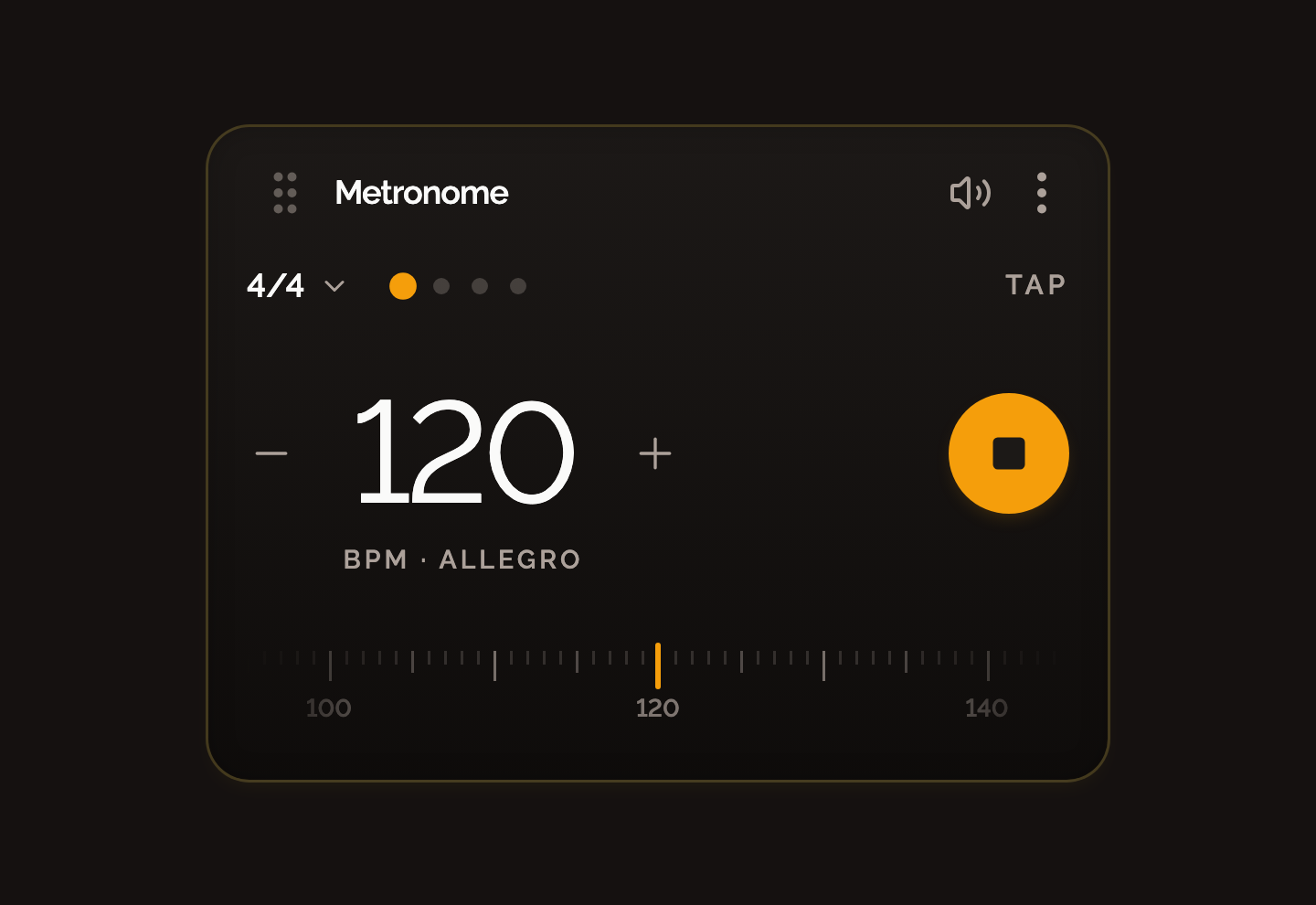
Drop a minimal, tuner-style metronome next to your chords. Type a new tempo while it plays and it keeps time without stopping.
Changelog
Every release that reached your board, newest first. Last update . RSS feed
Featured
Drop a minimal, tuner-style metronome next to your chords. Type a new tempo while it plays and it keeps time without stopping.
Pick Drop D, DADGAD, Open G, E♭ Standard and eleven more in Scale Settings, from open tunings down to B Standard.
Set a board to bass, four or five strings, or to ukulele, each with its own tunings. Chords come from the guitar library for now.
The Add card now has shortcuts for an empty chord and the metronome, so new widgets land on the board in one click.
The chord drawer’s filters and actions moved into the floating bar, leaving the whole drawer for the chord list.
Save stays quiet while you play and only asks for attention when real work is at risk.
Focus rings no longer get clipped, dialogs stop flashing scrollbars on hover, chord cards in the drawer no longer show up blank, and added notes use a softer color that fits your board theme.
Dragging no longer swallows taps, so adding a chord on iPhone and iPad works the first time.
The sync offer keeps its layout in Safari instead of collapsing.
Buying AuralFret Cloud takes a snapshot of your local board with the order, so it is waiting in your account afterwards.
The Save button warms up based on how long your work has gone unsaved, not on how many edits you made.
An active promotion is applied at checkout without typing a code.
Pay once and your board syncs across devices. The board you built before buying comes with you.
Already have an account? AuralFret recognizes it and syncs your board every time you save.
The autosave indicator stopped blinking on every single edit.
Find any chord from the drawer, not just the ones already loaded on screen.
Give each board its own color theme — menus and overlays follow it.
Switch fretboard labels between note names and intervals.
The voicing you pick on a chord stays selected after a refresh.
Click the pencil next to the board name in /play. Dialogs now also fit on short screens.
The one-time price is shown up front, before you reach checkout.
Better contrast, visible focus states and larger tap targets across the homepage.
Every chord page is pre-built, so it opens fast on any connection.
Each chord page links to chords that share its root or quality.
The library and the drawer load reliably and fetch chords as you scroll.
Chord widgets get carousel controls to move through every voicing of a chord.
The Play action sounds the voicing currently selected.
Switch a chord between sharp and flat spelling (C♯ ↔ D♭) right on the widget — the choice carries into new chords.
Flat-named chords show up in the drawer and library, and search understands both spellings.
Cleaner chord cards and a simpler notation toggle.